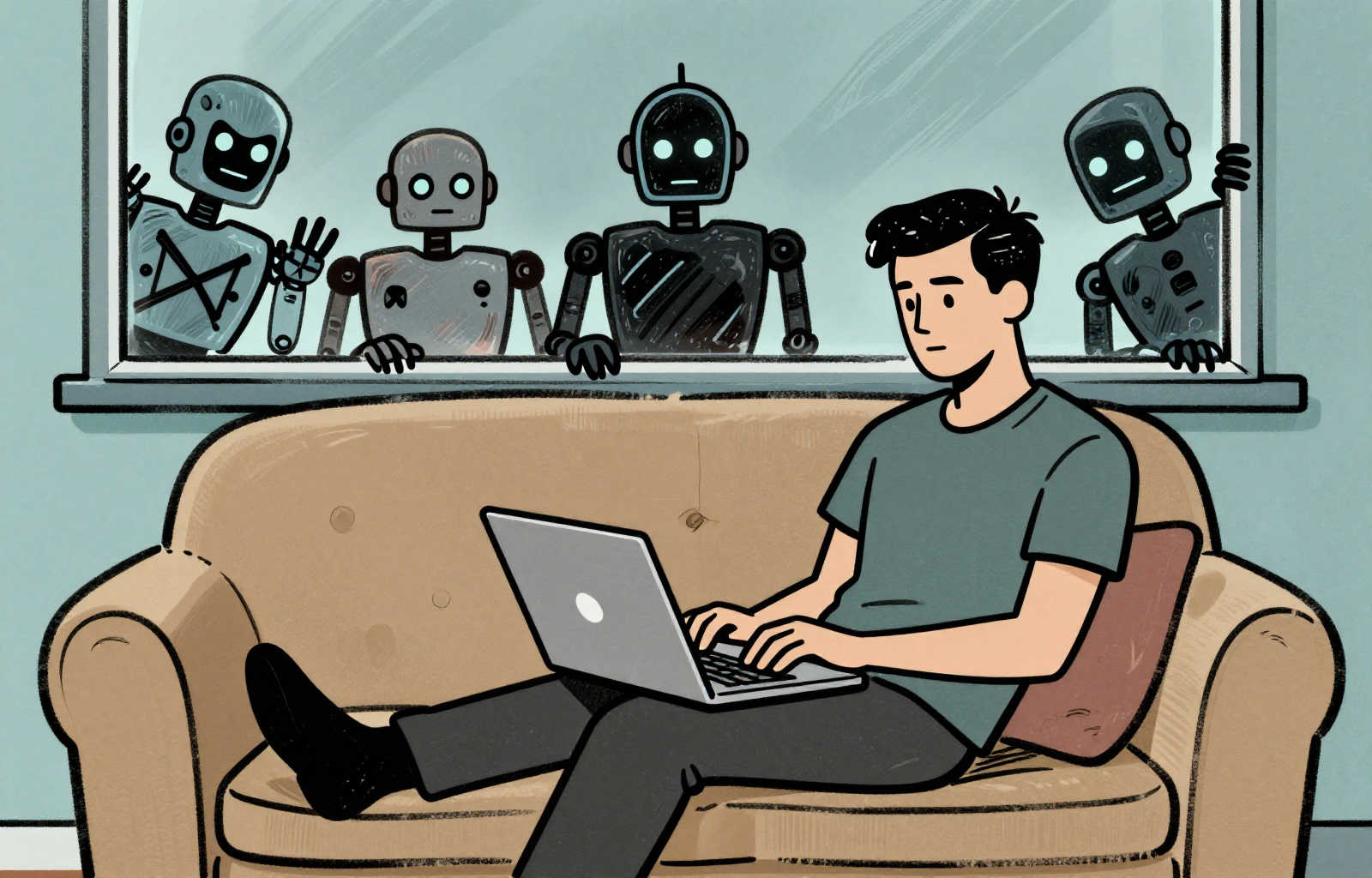
Some of us Linux enthusiasts tend to make the switch to Linux sound like a walk in the park. However, after spending countless hours on forums helping Linux newbies, I thought I would offer some honest points that everyone needs to consider before making the jump. There are difficulties ahead. But it’s worth it because switching isn’t just about changing an OS; it’s about regaining control over your digital life—a fundamental form of digital autonomy that modern, walled-garden systems (such as Windows and macOS) intentionally restrict.
1. This Isn’t Windows (or Mac)
Some of the things you are used to doing simply won’t work, and other things will require a radically different approach. While you will be impressed by several aspects of Linux—such as its speed, efficiency, and granular control over your hardware—you need to prepare for disappointment in others. For instance, some proprietary software (like Adobe products or Microsoft Office) may require extra effort to run and some hardware drivers may need to be manually installed.
However, these challenges are worthwhile because Linux is built on the philosophy of open standards, giving you unparalleled control over how your computer works—and critically, how your data is handled.
2. There’s a Learning Curve
Every operating system has its own methodology. If you’re unwilling to dedicate some time learning the new system, you will quickly become frustrated. Installing Linux is generally straightforward and usually takes less than 30 minutes. But truly learning how it works takes weeks of active use.
When I was learning Linux, I used a spare computer as my daily driver. Whenever I got stuck or couldn’t find a quick fix while working, I would revert to my Windows laptop. After a few weeks, I realized I hardly needed the Windows machine anymore. Two months later, I wiped Windows completely and went full-time with Linux.
3. Patience is Required
Almost every issue you will encounter has been solved by someone else, and the answer is most likely already on the internet somewhere. Assuming you haven’t accidentally broken your system, you will most likely be able to resolve your biggest challenges within a few days of getting Linux up and running. If you can make it past that initial two-week period, you are probably good to go.
Hop into forums dedicated to your specific distribution (distro) and ask for help. However, remember to be patient because most people offering assistance work full-time jobs and only hop in when they get a break. Be ready to offer exhaustive details: what exact distro you’re running (e.g., Mint 22.3 or Fedora 43 KDE), your hardware specifications, etc. The more detail you provide, the faster the help will come.
Also, be extremely careful with AI chatbots. Some of them handle Linux advice better than others. For example, I’ve found ChatGPT can translate ancient Roman texts into English excellently, but one tiny Linux command it offered me completely erased my desktop environment. Grok, Perplexity, and Claude tend to do a little better when dealing with more technical troubleshooting work.
4. The Rewards Are Worth It
Are you tired of ads popping up everywhere in your operating system or feeling like your computer is constantly spying on you? Perhaps you don’t want to throw away a perfectly good machine simply because Microsoft decided you can’t install Windows 11 on it. Do you hate the restrictive interface of modern Windows?
All of these factors were what drove me to Linux. I value my privacy, security, and digital sovereignty; I do not believe major tech companies respect any of those values. With open-source transparency, your data stays with you—not in some cloud server run by a corporation that is harvesting your private data for advertising (or worse).
5. Determination is Key
The single greatest factor between someone who successfully switches to Linux and someone who doesn’t is determination. You have to decide why you are doing this—is it privacy, security, decreasing e-waste, or simply the desire for digital freedom? Keep that core motivation front of mind. If you don’t have a compelling reason, you will likely give up when the first technical challenge arises.
This need for motivation is crucial in many areas of learning. For example, most of us Americans would like to speak a second language, but we aren’t motivated enough because necessity hasn’t pushed us to do so. But if something big happens—like planning an extended stay in a foreign country or falling in love with someone from another culture—we can suddenly find the drive needed to overcome immense difficulties.
Linux is not inherently difficult; it’s just different from Windows and macOS. I’ve been away from Windows for so many years that when I go back, I struggle because I am no longer accustomed to its methods. The things you are used to doing one way in Windows will be done in completely different ways here. But if you keep your motivations centered on privacy, control, and the open nature of technology, you will have what it takes to learn this new operating system.
💡 A Note on Getting Started: Don’t commit yet! To minimize risk and maximize learning, start by running Linux in a Virtual Machine (like VirtualBox) inside your current OS. This lets you play with it without risking data or system instability. Alternatively, use a Live USB stick—you can run the entire operating system directly from a drive without installing anything to your hard disk.
Uncertain where to start? I recommend either Linux Mint or Fedora KDE. Both will work in VirtualBox or can be installed as a Live USB.