For those of you who follow this blog, you know that I highly recommend Linux Mint while also feeling that its default appearance is dated. I’ve tried numerous Linux distros, and I keep coming back to Mint because it works without being buggy. So, I decided it was time to dress it up and make it look pretty. In this entry, I want to provide some tips on how to make Mint’s Cinnamon desktop look more modern.
1. Blur Cinnamon
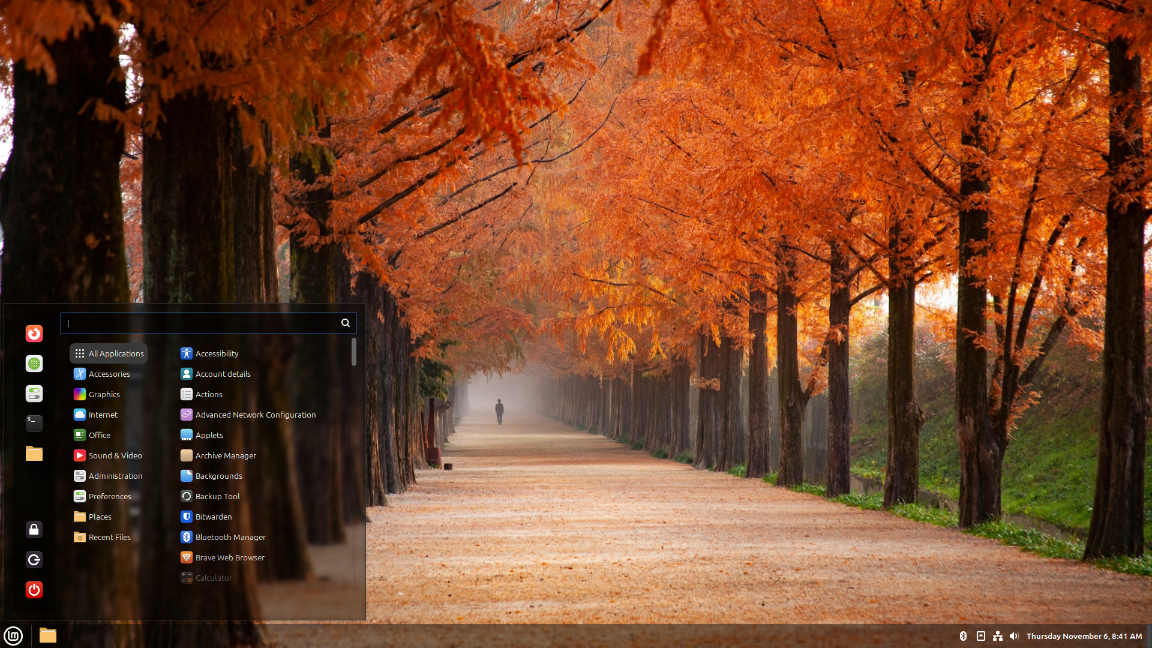
With the Blur Cinnamon Extension, you can make the panel (taskbar) and menu semi-transparent. If you play around with the options, you can also blur, desaturate, and/or darken the desktop wallpaper when non-maximized windows are open. If you get only one extension for Mint’s Cinnamon, get this one. I’d like to see the Mint team implement this extension into the default desktop.
2. Aune
The Aune theme does similar things to the extension above, except with fewer options. If you don’t want to deal with downloading an extension and spending five minutes tweaking its settings, this is a quick and easy method for getting the translucent, semi-transparent feel.
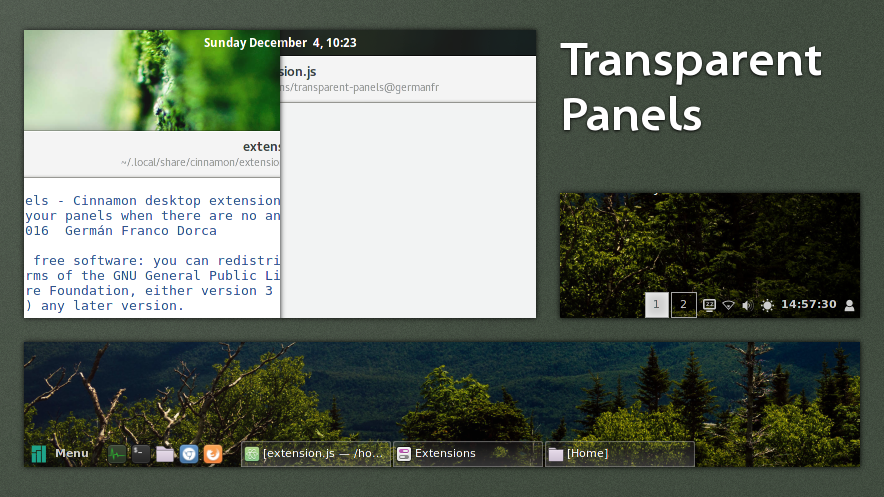
3. Transparent Panels
Do you see a theme here? I like transparency, and I think it’s the biggest thing lacking in the Cinnamon desktop. Transparent Panels gives you just what is says: a fully transparent panel (taskbar) for a glassy, modern look. It’s quite sharp and I love it. Presently, there are three options with it: you can go fully transparent, semi-transparent, or give the panel a drop shadow.
4. Cinnamon Dynamic Wallpaper
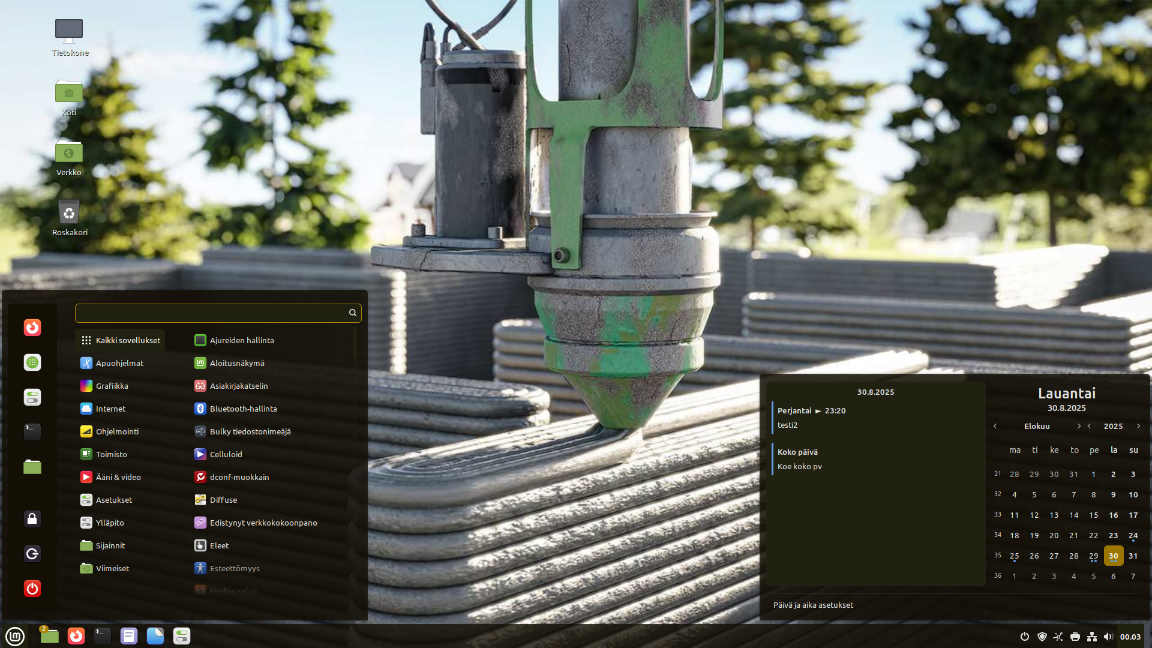
The lovely Cinnamon Dynamic Wallpaper extension allows you to pick from several wallpapers that adjust to the time of day and night. It’s one of the things that brought me back to Mint over a year ago. I love seeing the stag moving to different sections of the background while the image transitions from morning to midday to evening to night.

5. QRedshift
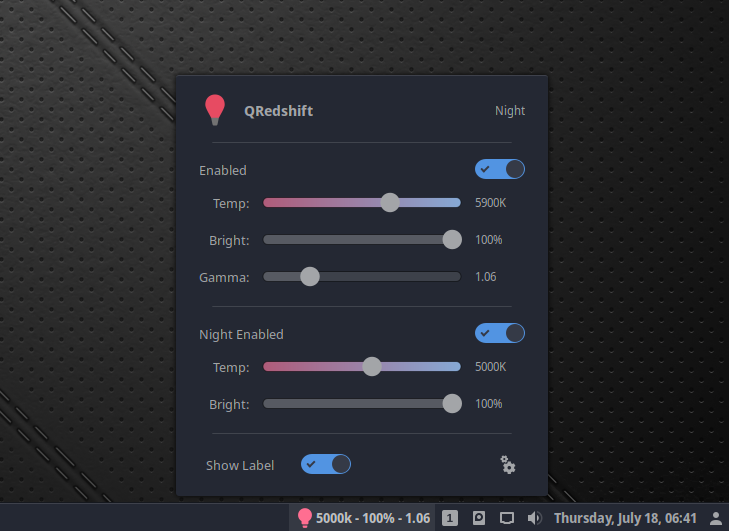
If you’re like me and you don’t like a glaring computer monitor late in the evening when you’re trying to get work done after the kids have gone to bed, I highly recommend QRedshift. You can go very deep red with it (1000K) and you can dim the computer monitor as much as you want. It does come with a caveat: some hardware configurations don’t play nice with it. If you notice desktop instability or crashing, you’ll need to use Mint’s regular Night Light feature (which isn’t bad, just not as customizable as this).
So much more
Take a look at the Cinnamon Spices website. It gives you a good overview of the various themes, applets, extensions, and desklets you can get with Mint. I haven’t even touched on a fraction of what’s available. The main point I want to make is that Mint can be very easily customized into a beautiful desktop with hardly any effort. You won’t even need to touch the terminal.
And while this has nothing to do with its looks, another thing I love about the Mint team is that they stay out of politics. They focus instead on technology. Most of us want an operating system to get work done, not to make a political statement.